

Hello everyone,
Today I will show you how to create your first business email account. actually, it’s so simple.
- First log into MailWish Dashboard.
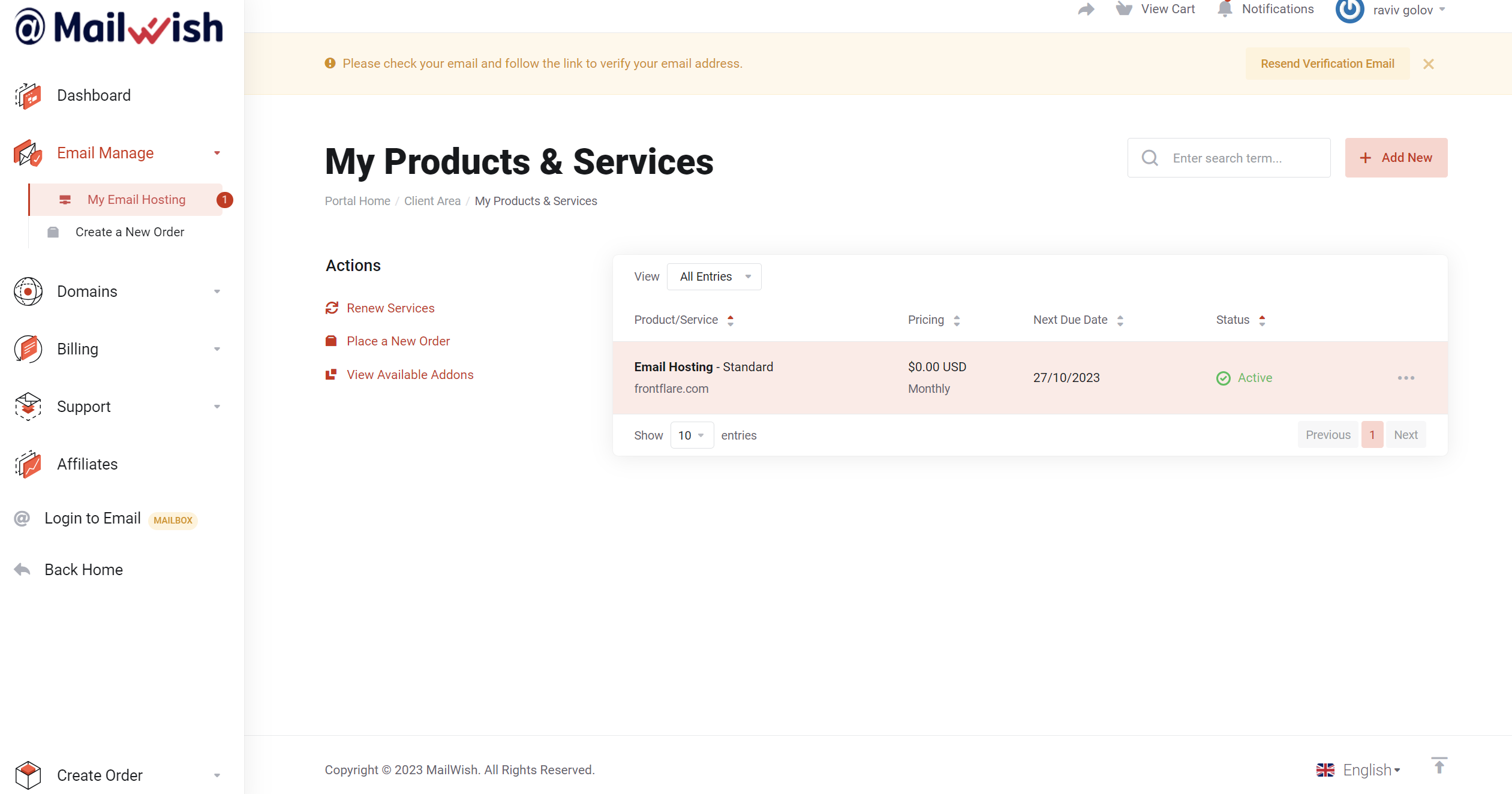
- Visit ‘My Email Hosting’:
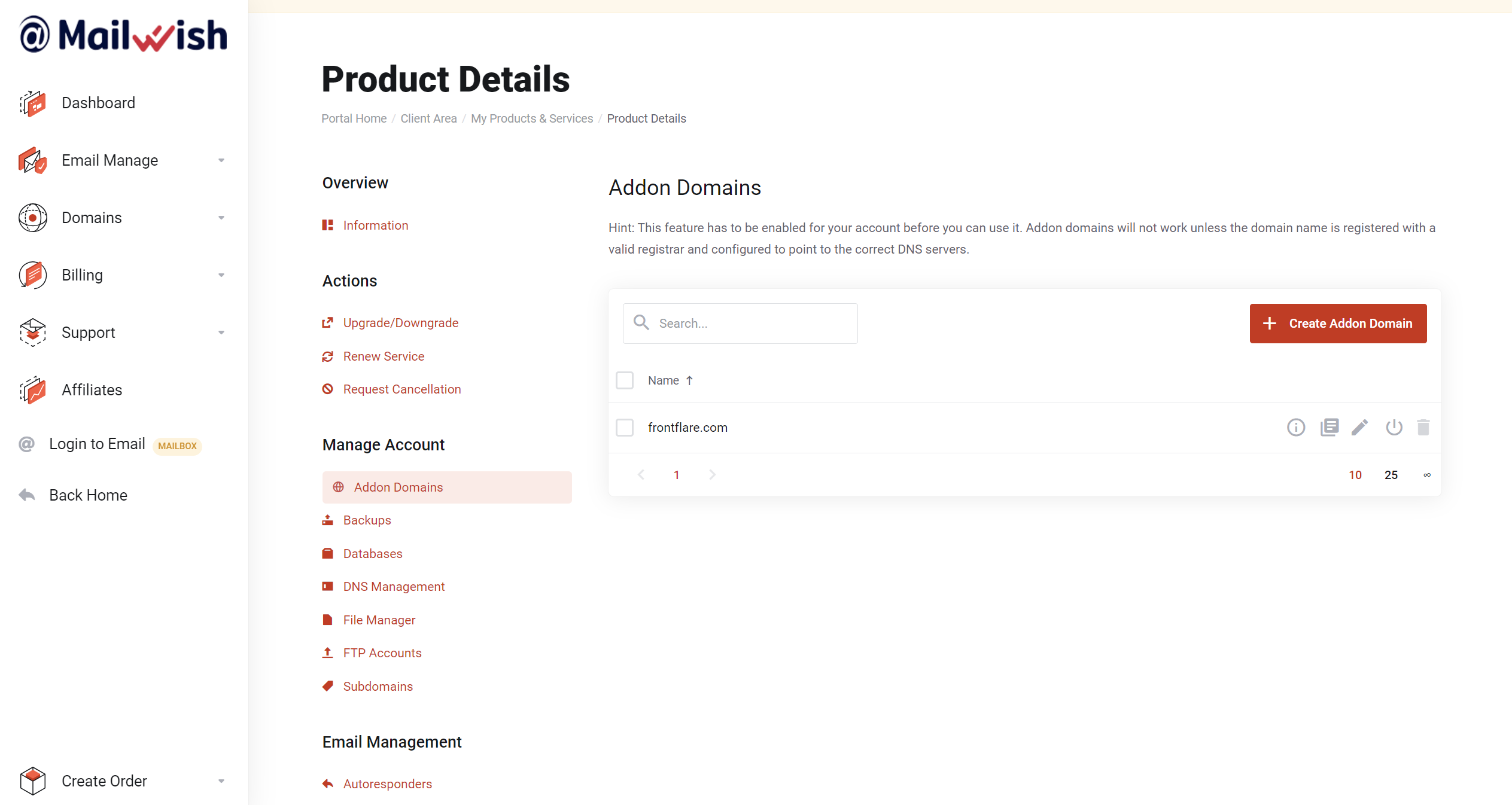
- Select ‘Domains‘ and then choose ‘Add Domain‘ to incorporate your business domain, for this example we use ‘frontflare.com,’ which you can later use for your Business Email.
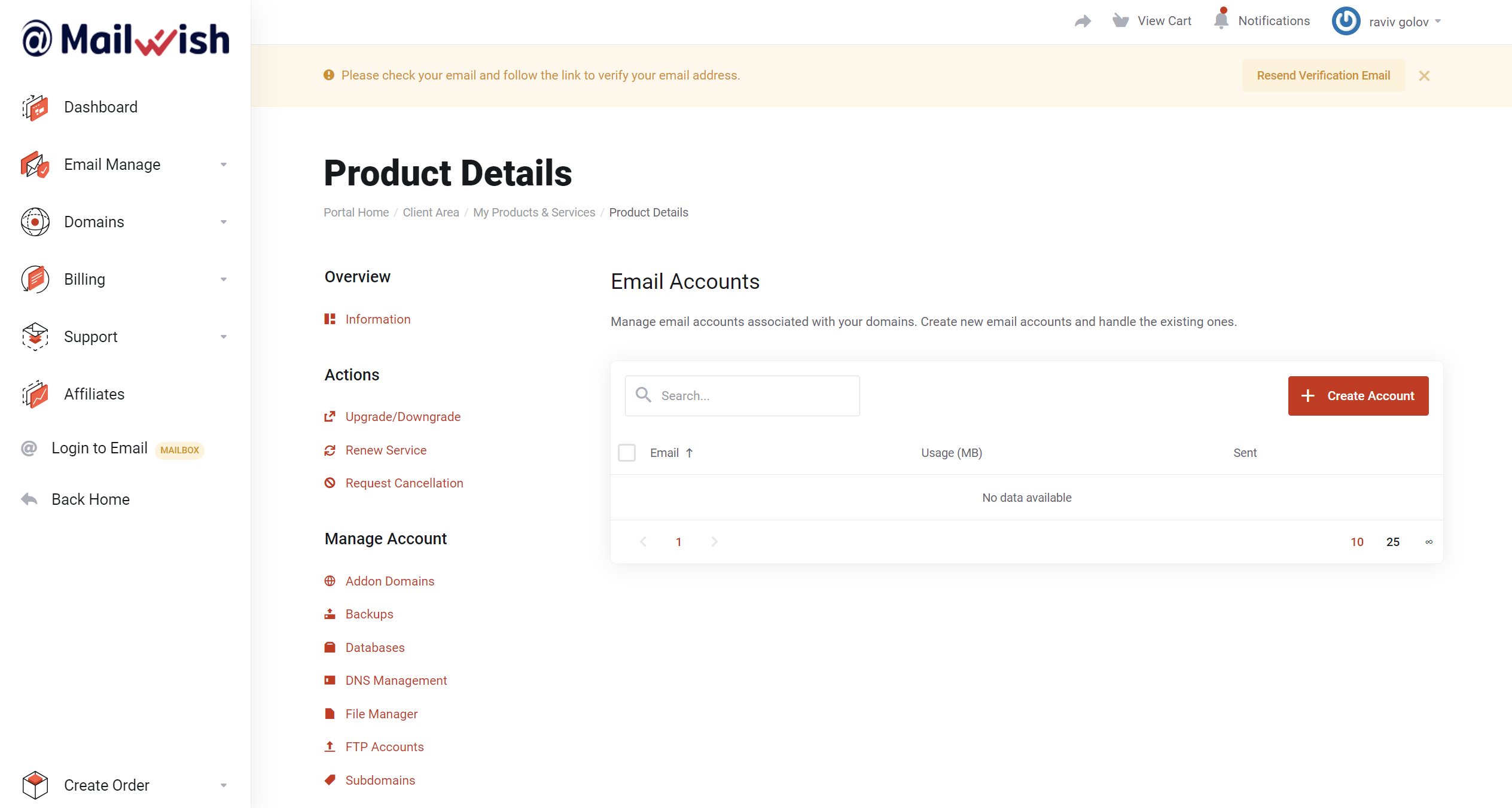
- After adding your domain, navigate to ‘Email Accounts‘, here you can create Unlimited Email accounts
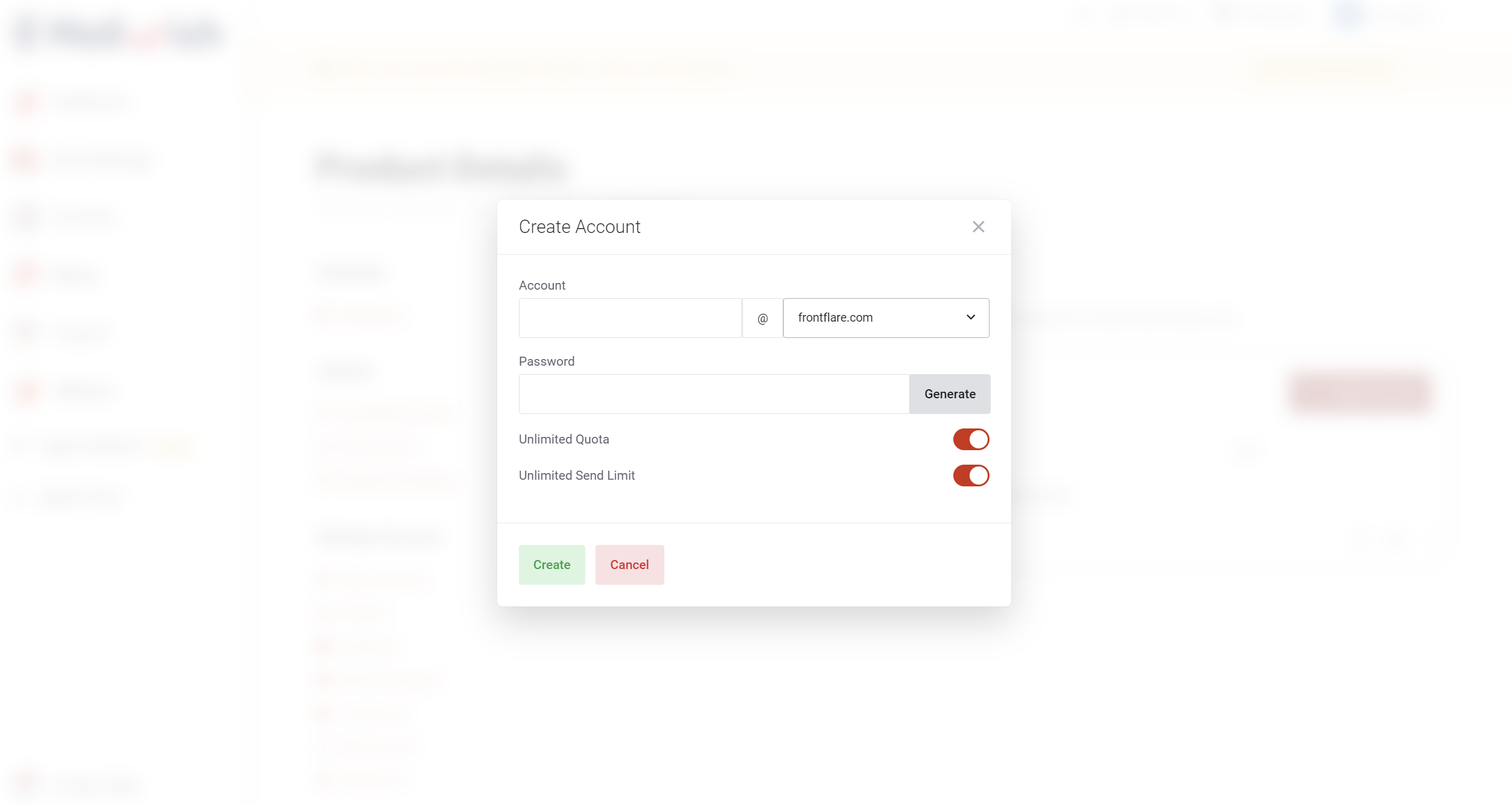
- Done! Click ‘Create Account‘ and choose your business email domain!
- Log in to your new Business Email Account with our top-winning Webmail: Mailbux Business Email Login
Business email login: https://mailbux.com
Mobile Apps:

Conclusion:
You can create full-featured unlimited business email account in a few minutes.
Next: Setup DNS records to make your emails fully working with our Email Hosting Platform.