

Category: Guides
-
How to move a WordPress site to new cPanel hosting without downtime
Copy your WordPress site to new cPanel hosting, test it privately with a hosts-file entry, then switch DNS so visitors never see a gap.…
-
DMARC explained step by step: from p=none to p=reject
Roll out DMARC safely: start with p=none, read your aggregate reports, fix the senders that fail, then tighten to quarantine and reject.
-
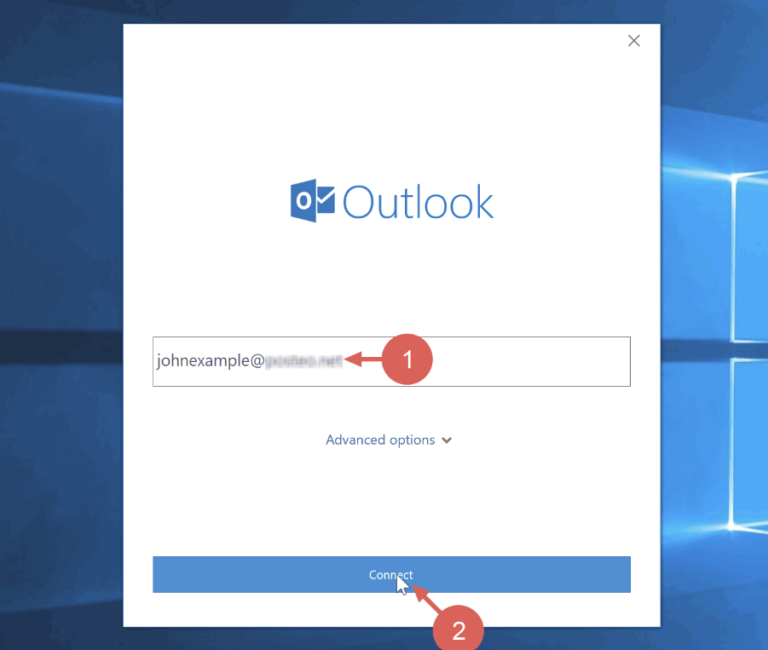
Set up Outlook with your MailWish business email accounts (Not recommended)
How to set up Outlook to send and receive with a MailWish business email account. We don’t recommend setting up Outlook. Instead, we recommend…
-
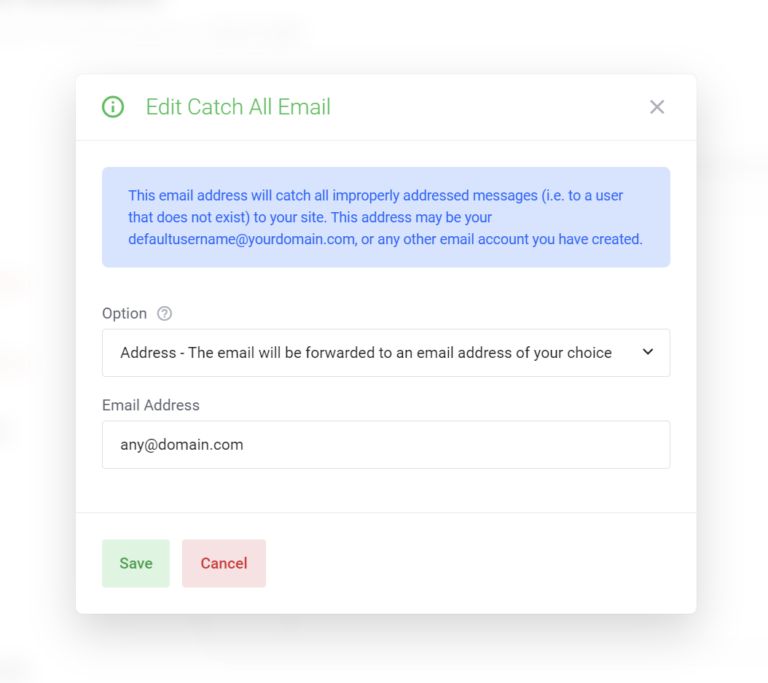
Setting a catch-all Address
When The server receives e-mail to addresses that don’t exist, it has to do something with those messages. The control panel gives you three…
-
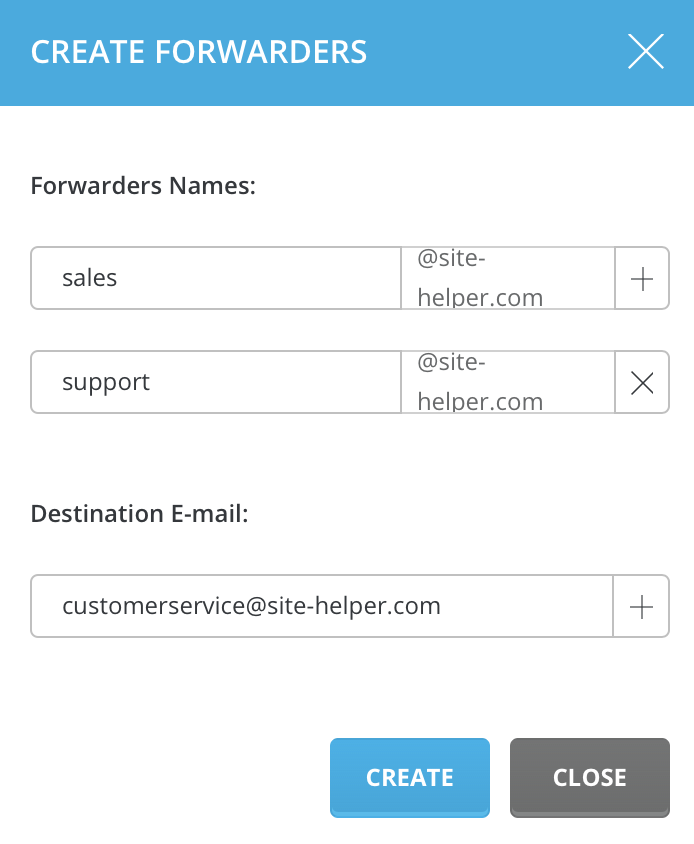
How to create Email Alias/Forwaders
Use Forwarders For Both Email Alias Or Forwader Forwarders allow you to direct incoming mail to a different address. For example, assume you wanted…
-

Effortlessly Transfer Your Email Account Data to CloudWish
Introduction In today’s fast-paced digital world, email is a cornerstone of communication for businesses and individuals alike. Changing your email provider can be a…
-
SMTP, IMAP and POP3 details
Email Client Setup Guide for CloudWish Email Service Note: before using the IMAP or SMTP please make sure you followed the DNS Guide. Incoming…
-
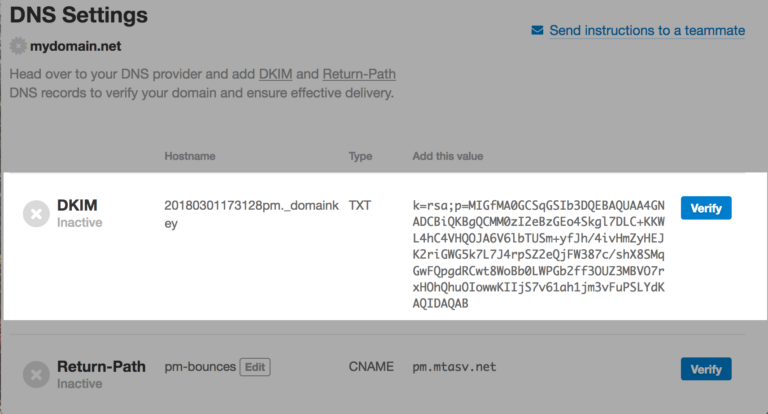
How to enable and set DKIM record
It’s recommended but optional. To enhance your email deliverability, you can enable and configure DKIM for your domain. Follow these straightforward steps to enable…
-
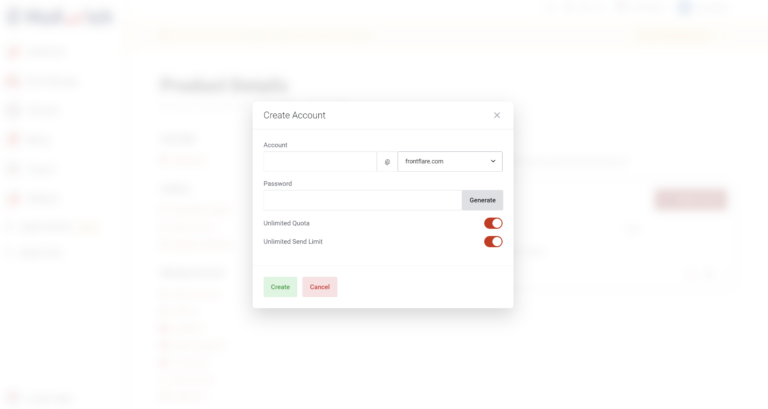
Getting Started: Creating My First Business Email
Hello everyone, Today I will show you how to create your first business email account. actually, it’s so simple. First log into MailWish Dashboard.…
-
Which records should i add to make my email working? (SPF, MX, DMARC)
It’s incredible how a few simple steps can transform your email experience. Let’s get started with a straightforward 2-step process: Step 1: Adjust Your…